Make your own coloring book: free, online, in five minutes
A store-bought coloring book is someone else's selection. Yours can be a truly custom coloring book, exactly what one specific kid loves: their themes, their difficulty, their name on the cover and, if you like, a story before every drawing. No account, no software to install: pick the pages, personalize the cover, download one print-ready PDF. Here is how, start to finish.
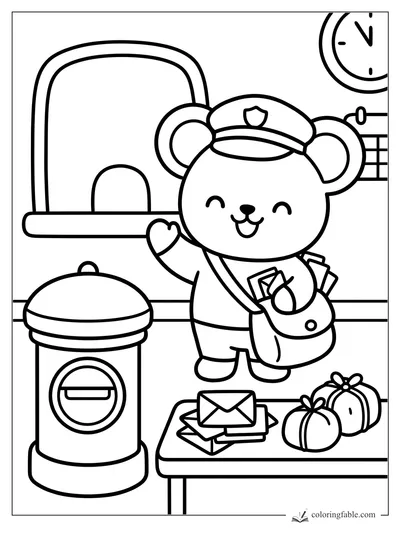 Cozy Town Coloring Book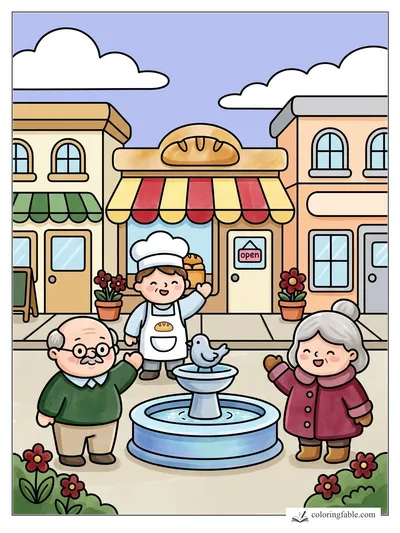
Collect your pages
Browse any collection and tap the 📖 button on the pages you love: they land in your book (up to 24). Mix themes freely, dinosaurs next to mermaids is exactly the point.
Order them your way
Open My Book and drag the pages into the order you want: easy warm-ups first, the big detailed one as the grand finale.
Design the cover
Give the book a title, add the child's name in colorable outline letters, and pick a style: Classic (sticker look) or Storybook (a full-color drawing as the cover). A live preview shows the cover as you type.
Choose your edition
Standard = just the drawings. Storybook edition = each drawing is preceded by its own story page, turning the book into a read-and-color storybook.
Download & print
One click builds a real PDF: title page with contents, your pages in order, a back cover with a mosaic of the drawings inside. Print it, staple it, gift it.
What the Storybook edition looks like
Every drawing on ColoringFable carries its own original short story. Turn on the Storybook edition and each one becomes a spread with the tale on the left and the scene to color on the right: a book you read and color.
Ideas that work really well
The birthday book
Twelve pages around the party theme, the birthday kid's name on the cover, one copy per guest: a party favor that costs a stack of paper. Start from a ready-made themed book below and swap in the party's favorites.
The road-trip book
A mix of easy and detailed pages, stapled, with a fresh pencil case. Order matters here: quick wins for the first hour, the intricate showpiece for the long stretch.
The classroom reader
Storybook edition: read the story aloud, then everyone colors the scene. Teachers can print as many copies as the class needs; classroom use is explicitly welcome.
The grandparent gift
Their grandchild's name on the cover does all the work. Pick the Storybook cover with a full-color drawing, and the PDF prints just as well at a print shop as at home.
Make it personal
The cover takes any name in big colorable outline letters, so the child colors their own name before the first page. Want the name inside the book too? The name tool stamps colorable letters onto any drawing, so a personalized coloring book can carry their name from cover to last page.
Or start from a ready-made book
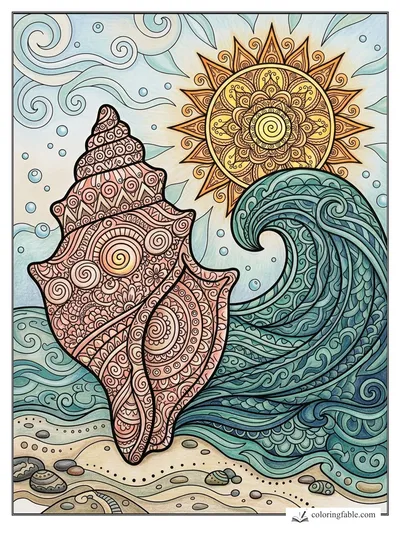
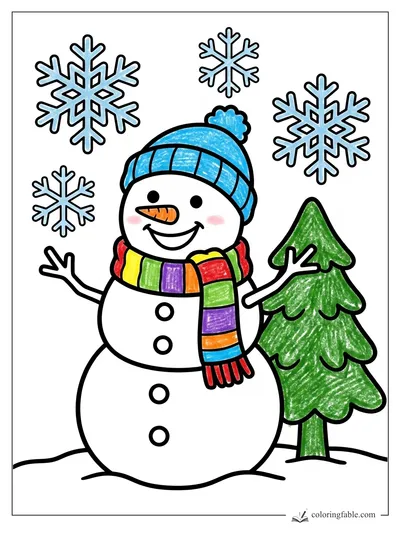
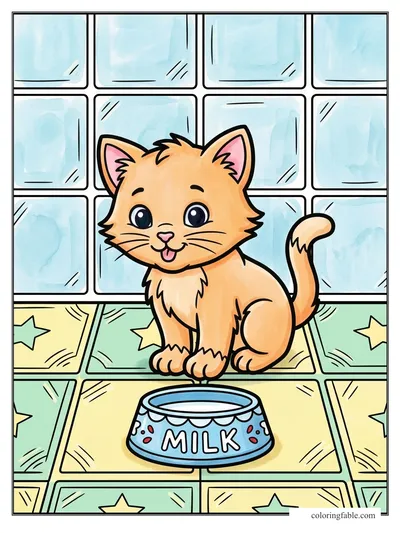
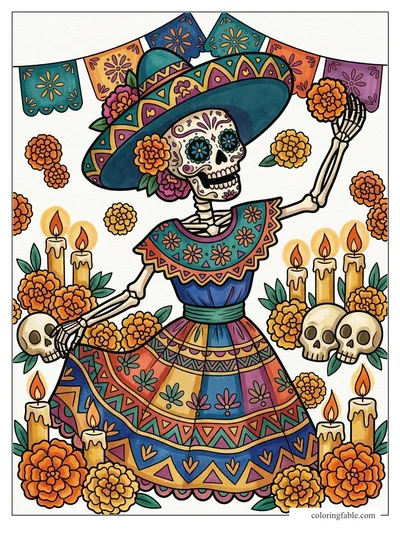
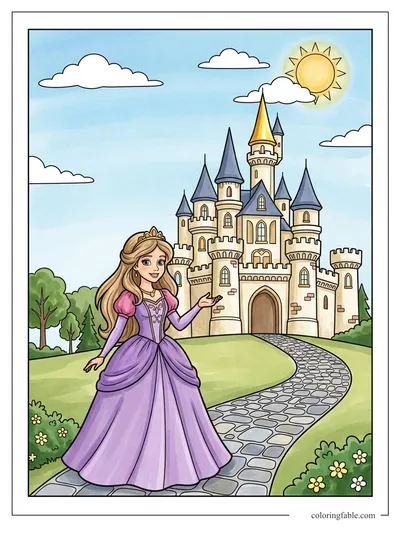
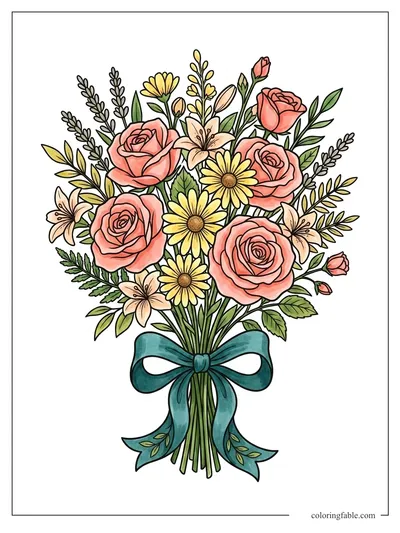
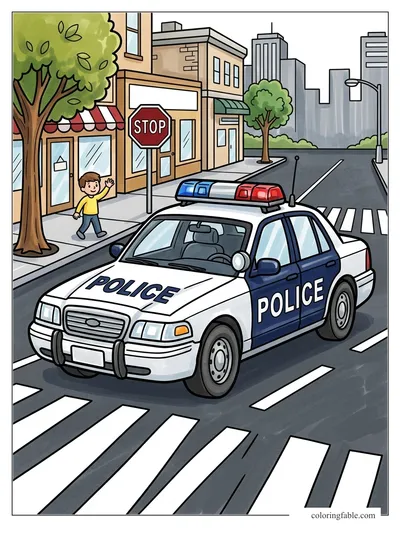
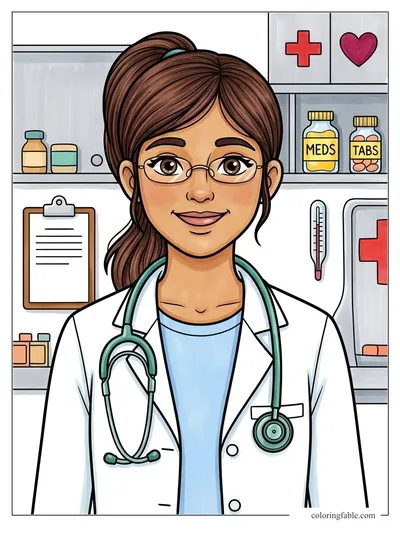
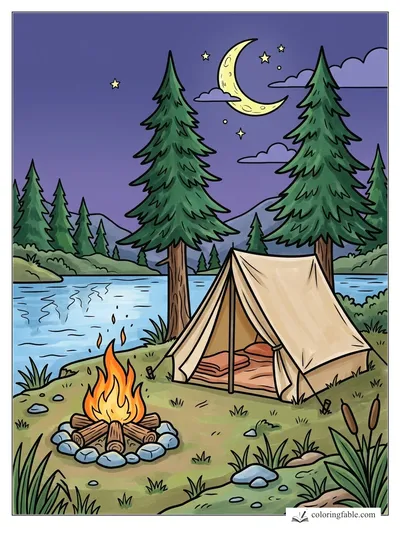
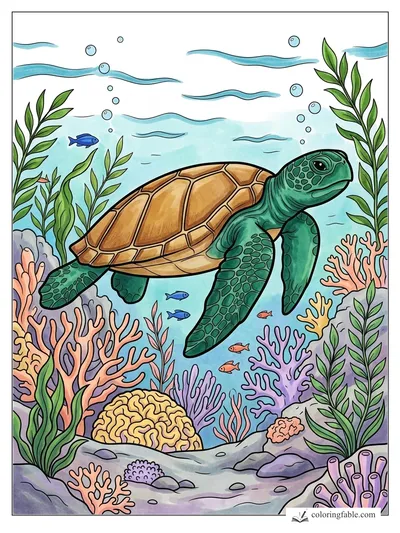
Not sure where to begin? These books are already assembled: 20 hand-picked pages each, ordered from easy warm-ups to a detailed finale. Open one, put a name on the cover, and it's done. You can still swap or add pages before downloading.
Good to know
The book is a standard PDF: it prints anywhere (home, library, print shop) on US letter paper. Everything happens in your browser: no account, no upload, and your selection stays saved on your device between visits. The whole feature is free, up to 24 pages per book, and you can build as many books as you like. The books you make here are for personal and classroom use; gifts, parties, and school projects are exactly what they're for.
Your book is five minutes away.
Related guides: how to print · add a name to any page · the stories on every page